
I'm Yeasir. I create WordPress websites using Bricks Builder for businesses, plus white-label solutions for agencies and freelancers. I'm that developer who writes clean code, follows best practices, and builds scalable sites.
Web Developer
Freelance Bricks Developer
Expertise & Stack

WordPress
WordPress
WordPress
WordPress
WordPress
WordPress

Bricks
Bricks Builder
Bricks Builder
Bricks Builder
Bricks Builder
Bricks Builder

Core Framework
Core Framework
Core Framework
Core Framework
Core Framework
Core Framework

ACSS
Automatic CSS
Automatic CSS
Automatic CSS
Automatic CSS
Automatic CSS
ACF
Advanced Custom Fields
Advanced Custom Fields
Advanced Custom Fields
Advanced Custom Fields
Advanced Custom Fields

Figma
Figma
Figma
Figma
Figma
Figma

GSAP
GSAP
GSAP
GSAP
GSAP
GSAP

WooCommerce
WooCommerce
WooCommerce
WooCommerce
WooCommerce
WooCommerce
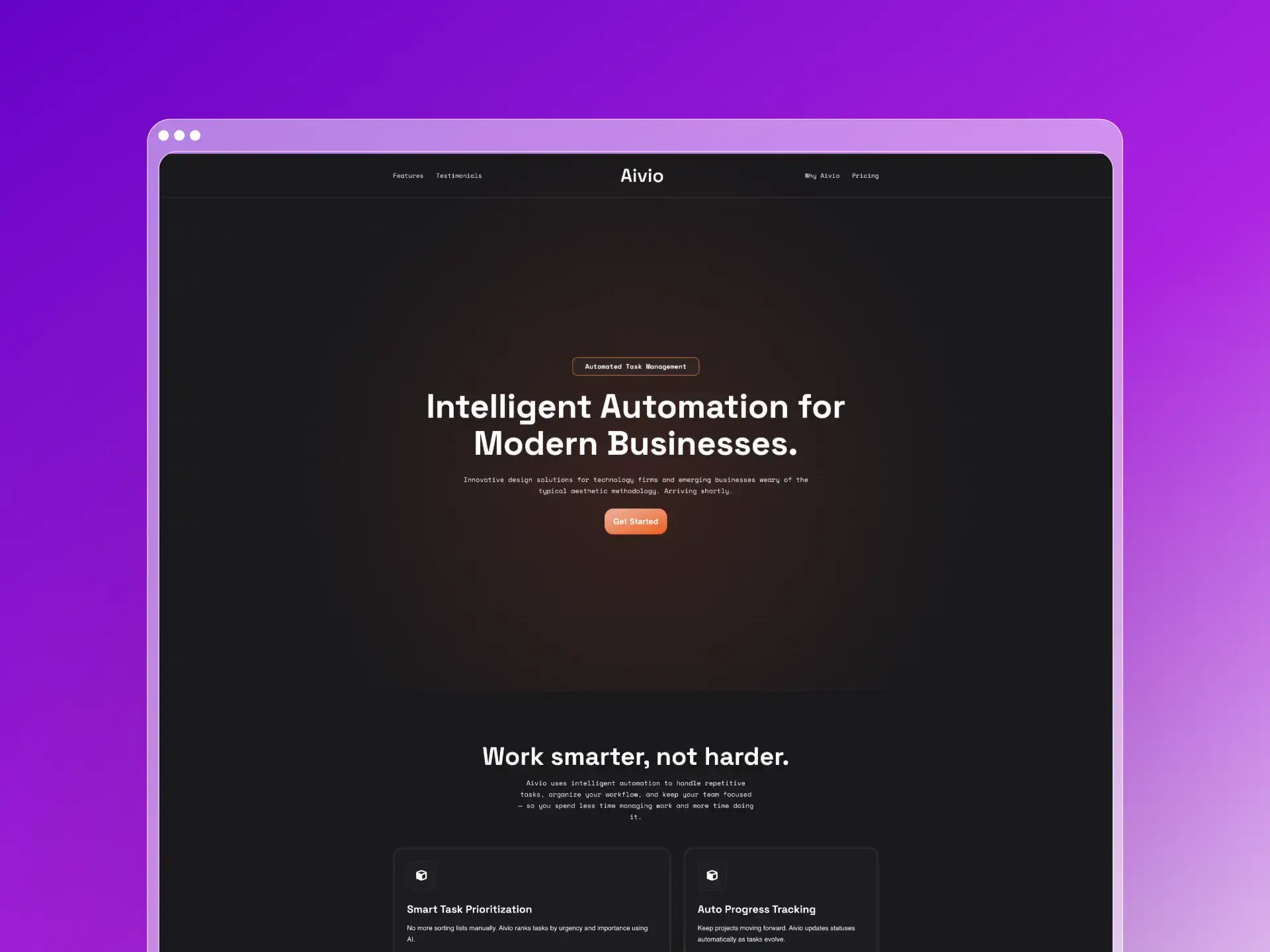
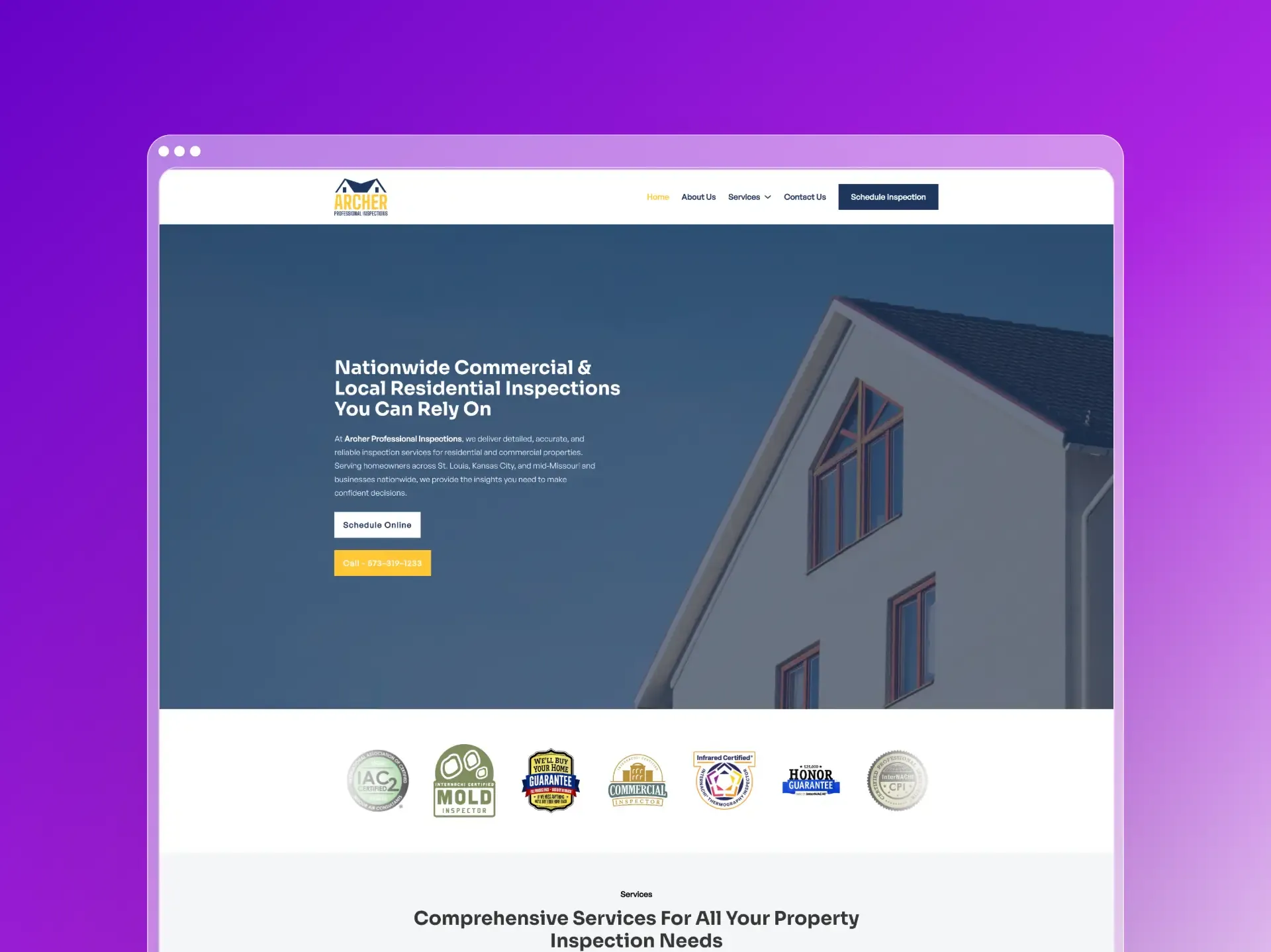
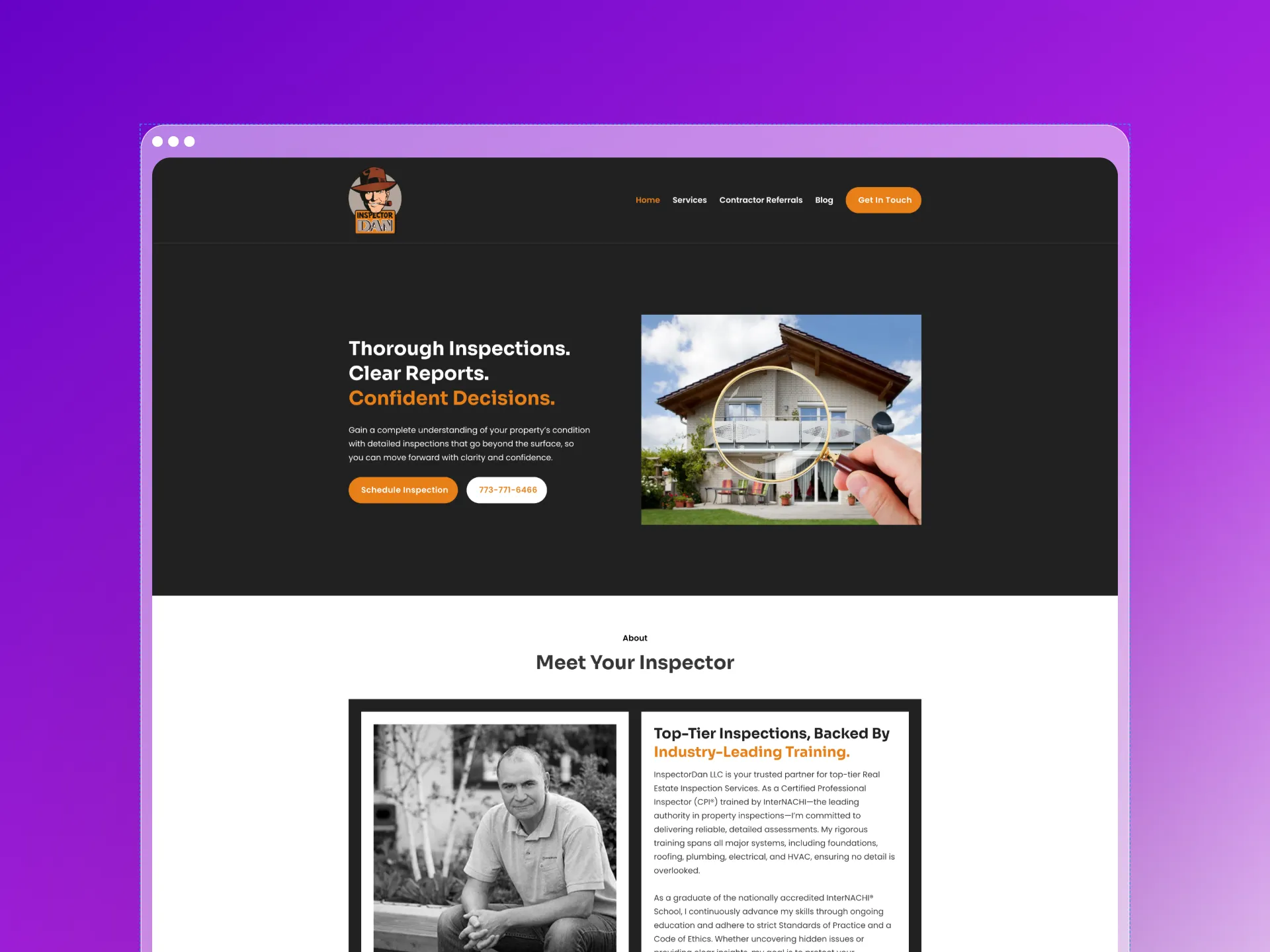
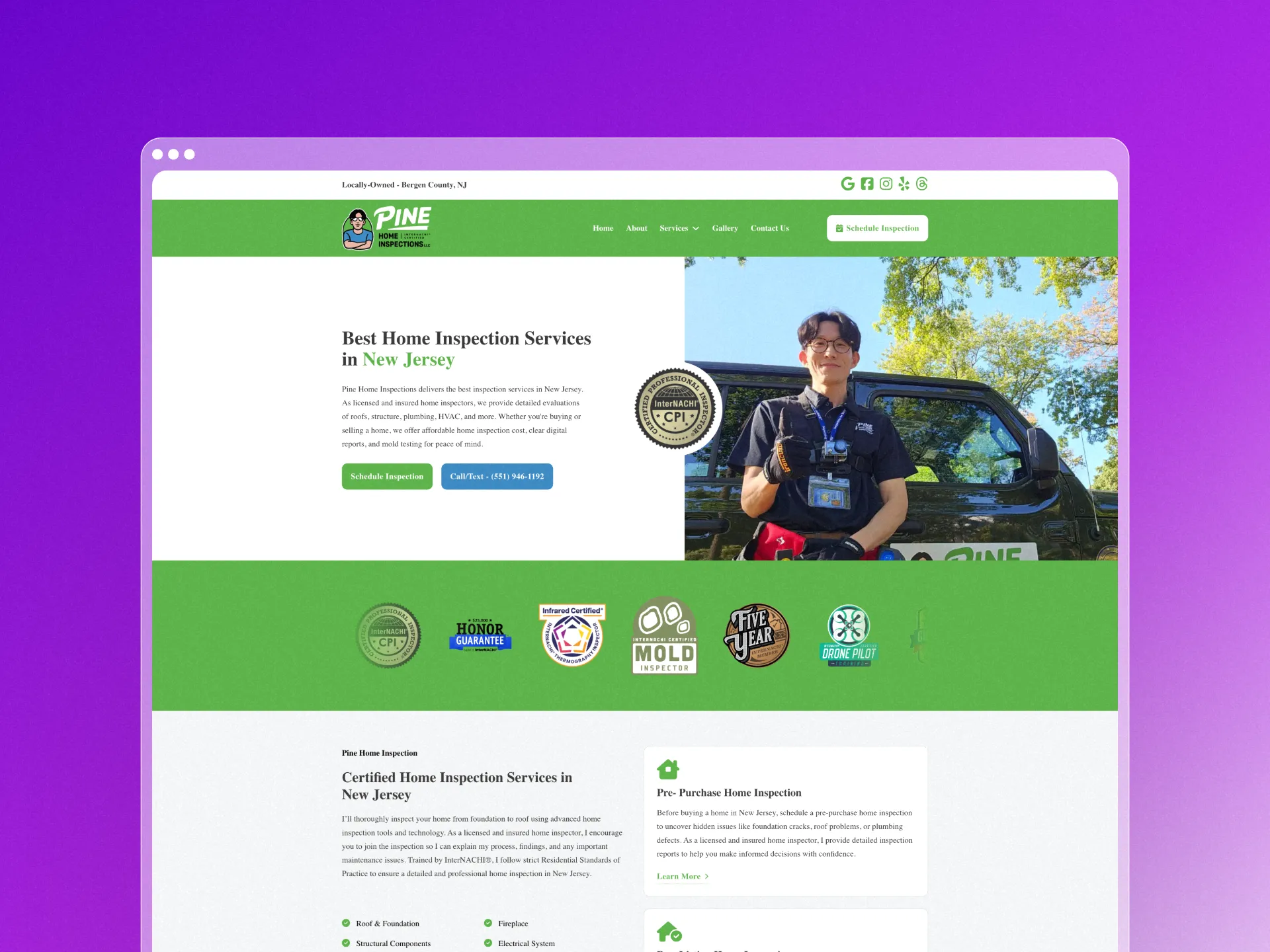
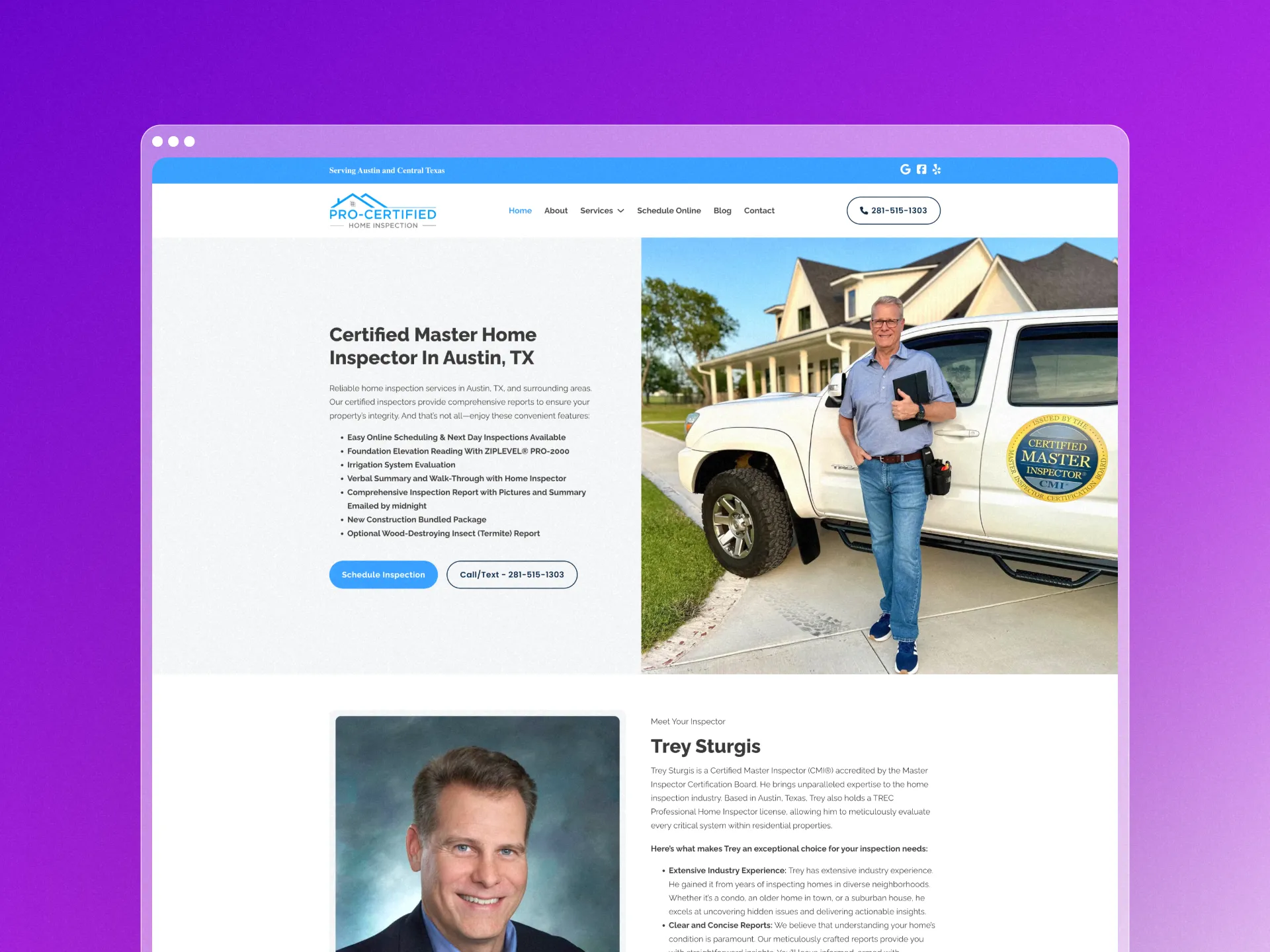
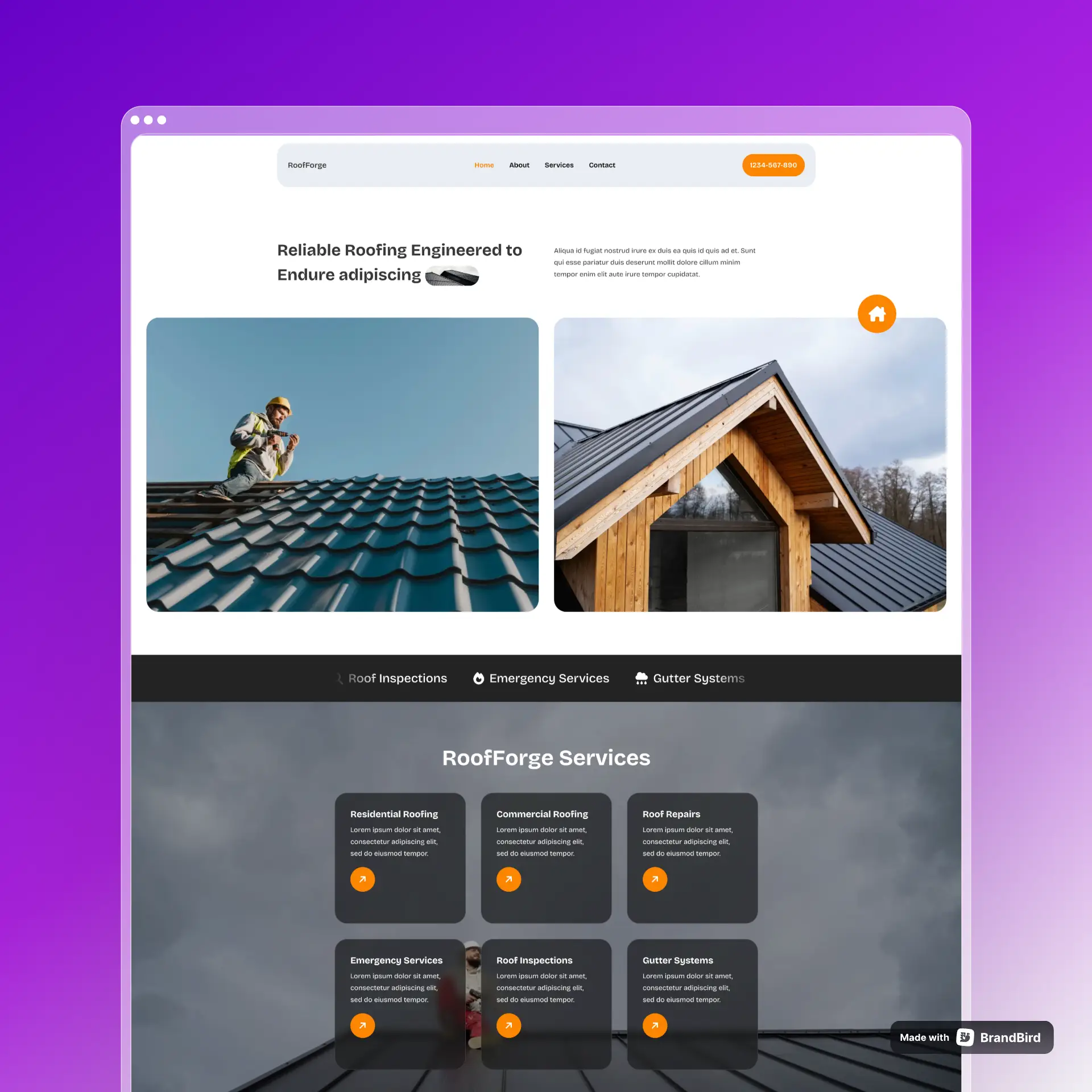
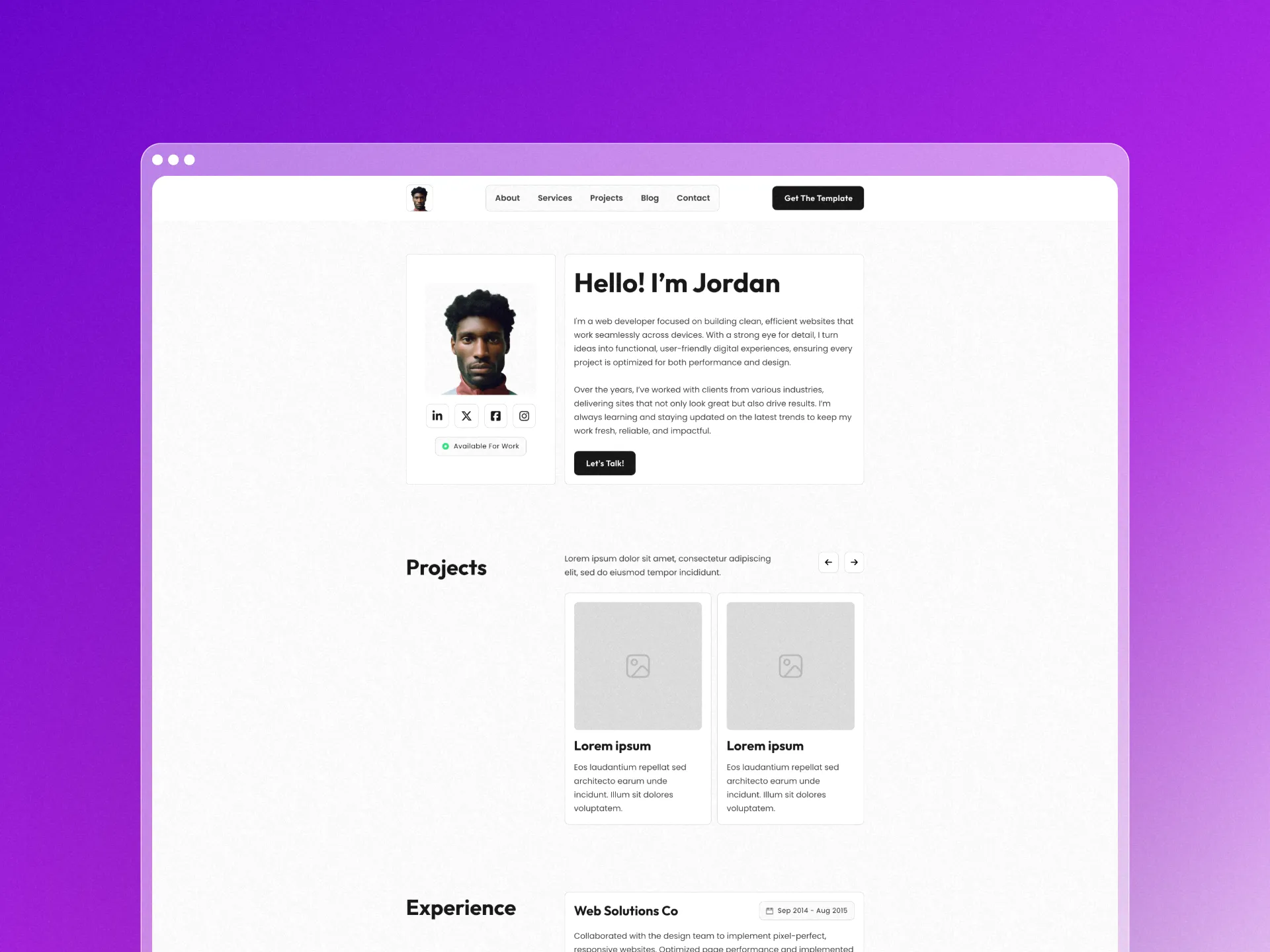
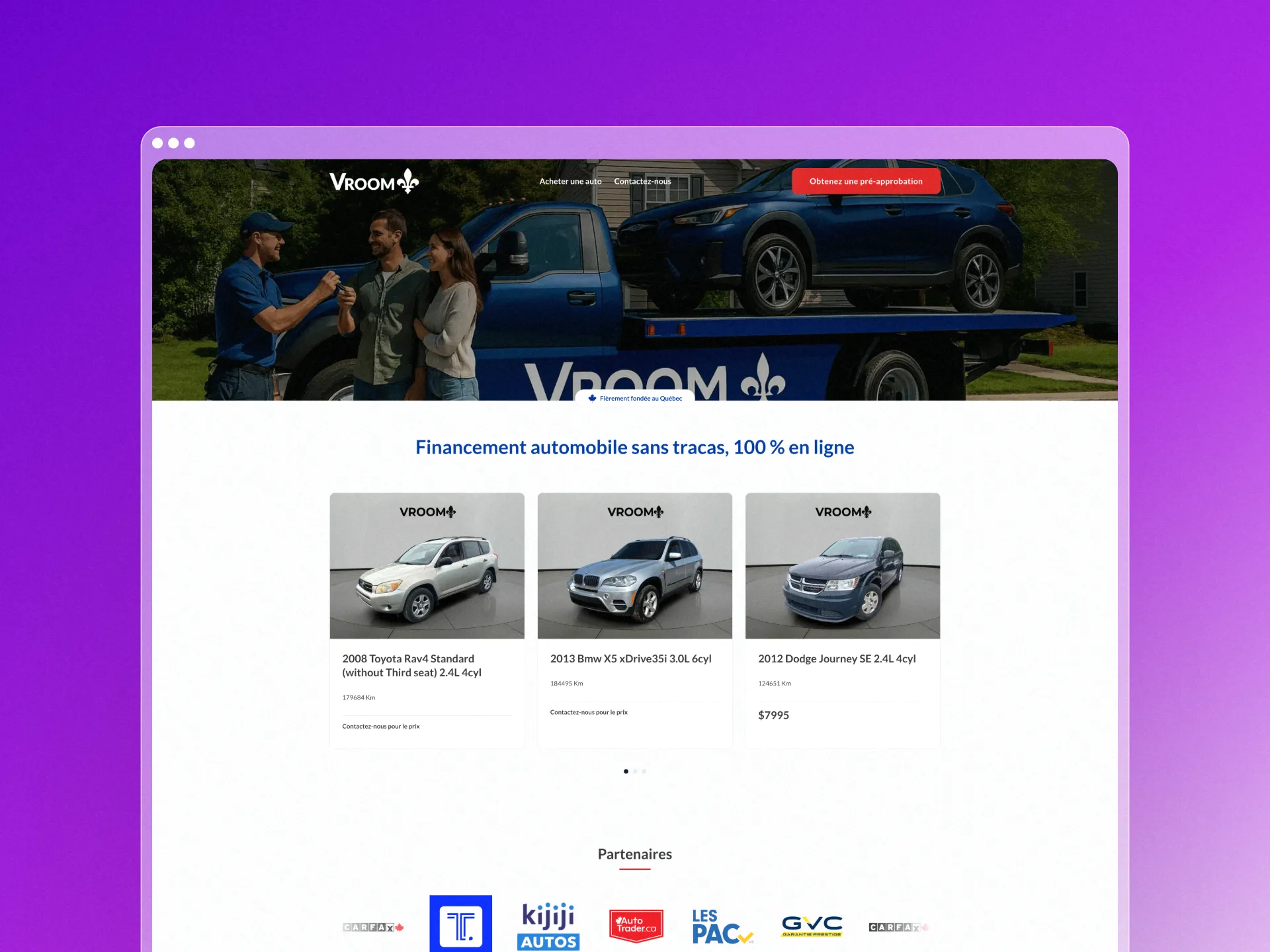
Some of these are client sites, others are templates. I keep them together because both show how I approach building with structure and clarity.

Devices
- Mac Mini M4 – Just got this one. Pretty fast, runs cool.
- Mac Mini M2 – My main machine for most stuff. No complaints.
- MSI Modern MD271UL – Went 4K because 1080p looks rough on Mac. Good call.
- Aula F75 Max – Wireless mechanical that doesn’t lag. Keys feel nice.
- ProtoArc EM11 – Vertical mouse. Took some getting used to but my wrist likes it.
- Fantech Go Comfy – Keep this around as backup. Does the job.
- Boya K3 – Cheap USB mic that doesn’t sound cheap. Works for me.
- Astra Ergonomic Chair – Finally ditched the kitchen chair. My back thanks me.
Dev Stack
- WordPress – Still my go-to for most client work. Just works.
- Bricks Builder – Lightweight builder that outputs clean code. No bloat.
- Core Framework – Best practices baked in. Keeps my CSS organized.
- Automatic CSS – Organized utility classes without the mess. Smart approach.
- Next Bricks – Ready-made GSAP components. Great for quick animations.
- GSAP – Smooth animations that feel professional. Worth the learning curve.
- SureCart – Headless e-commerce done right. Fast and flexible.
- WooCommerce – Still the most popular option. Clients know it.
- ACF – Custom fields without the custom nightmare. Essential.
- Meta Box – ACF alternative with better developer tools. Cleaner code output.
- Perfmatters – Turns off all the WordPress bloat you don’t need. Simple tweaks, big results.
- LiteSpeed Cache – Fast caching that actually works. Set it and forget it.
- SEOPress – Clean SEO plugin without the upsell spam. Does what it says.
- WP Grid Builder – Custom post layouts that don’t require custom code. Pretty flexible.
Essentials
- Hugeicons – Massive icon library with consistent style. Pretty much covers everything.
- Remix Icons – Clean, minimal icons when you need something simple.
- WebpLab – Built this myself for easy offline WebP conversion. Drag, drop, done.
- Woffie – Another one I built to download Google Fonts as WOFF2. Performance boost.
- Animista – CSS animations without the headache. Copy, paste, tweak.
- Brixies – Handy Bricks components. Saves time on common layouts.
- UseAnimations – Micro-interactions that make interfaces feel alive.
- Responsive Viewer – Chrome extension for quick responsive testing. One click, all sizes.
- CSS Peeper – Extract CSS from any site. Great for inspiration and debugging.
A collection of notes on building websites, best practices, and whatever I find useful to write down.
Latest Notes
Reach out your way: WhatsApp, meeting link, or the form below.